HomeBlogBlogBuild an AI Home Moodboard That Works in Your Space

Build an AI Home Moodboard That Works in Your Space

Build an AI Home Moodboard That Works in Your Space

Build an AI Home Moodboard That Works in Your Space

Nathan Brown · 6 min

Build an AI Home Moodboard That Works in Your Space

Start with the room you have

A useful moodboard helps you make decisions for your own space, not just collect appealing ideas. Before you open an AI tool, note the room’s dimensions, fixed features, natural light, and furniture that must stay. Think about who uses the room and what needs to fit comfortably.

Choose three words for the feeling you want, then add practical limits: your budget, storage needs, preferred upkeep, and any materials you want to avoid. We use those details as the brief against which every new idea has to earn its place.

Ask AI for directions you can compare

Give an image-generation tool one consistent room brief, then request distinct interpretations. You might compare a relaxed modern direction, a softer traditional direction, and a more colorful one. That tells you more than generating ten nearly identical versions of a single look. Adobe Firefly is one option for visual exploration; review any tool’s current features and usage terms before choosing it.

Specific instructions produce concepts that are easier to evaluate. For example: “Create a concept for a small living room with warm neutrals, oak, washable textiles, soft evening lighting, and a relaxed modern feel. Keep the existing dark floor.” If a result ignores the floor, revise the instructions or set that image aside. Generated rooms are visual suggestions—not measured layouts, construction plans, or catalogs of purchasable products.

Featured in this guide

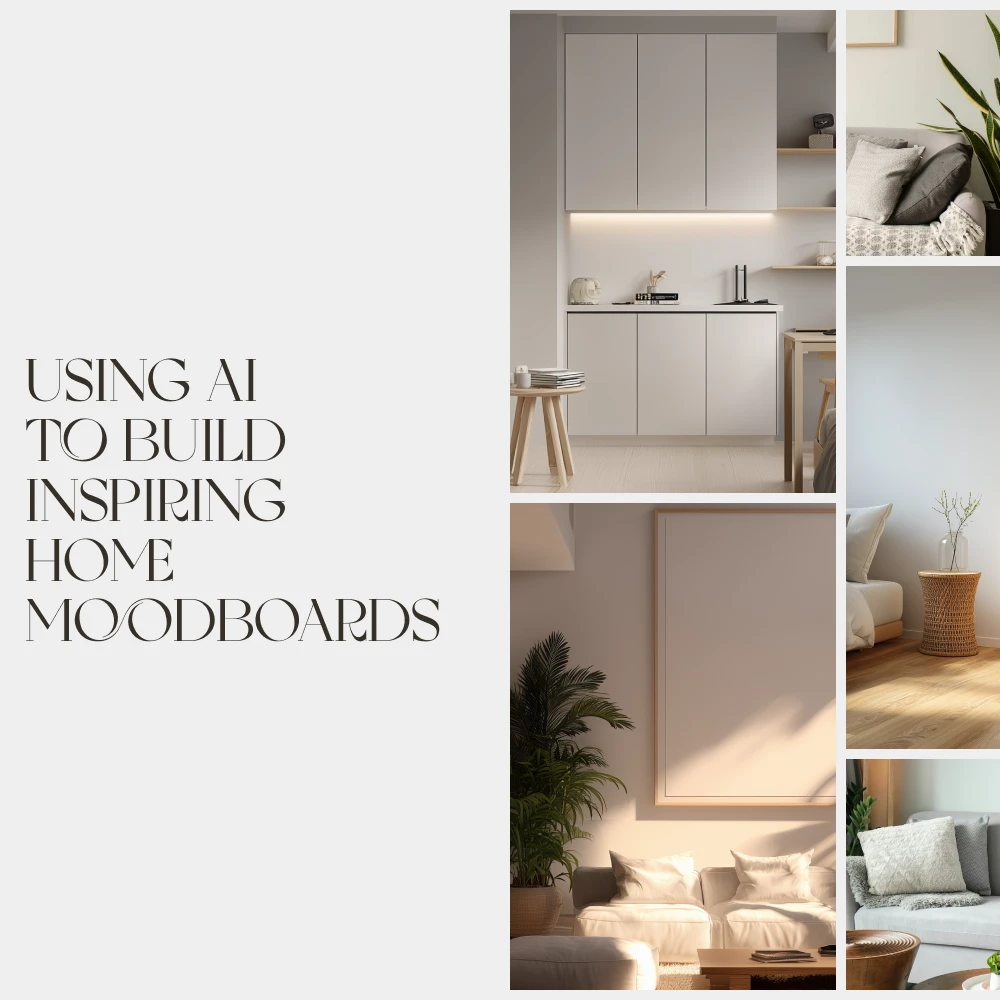
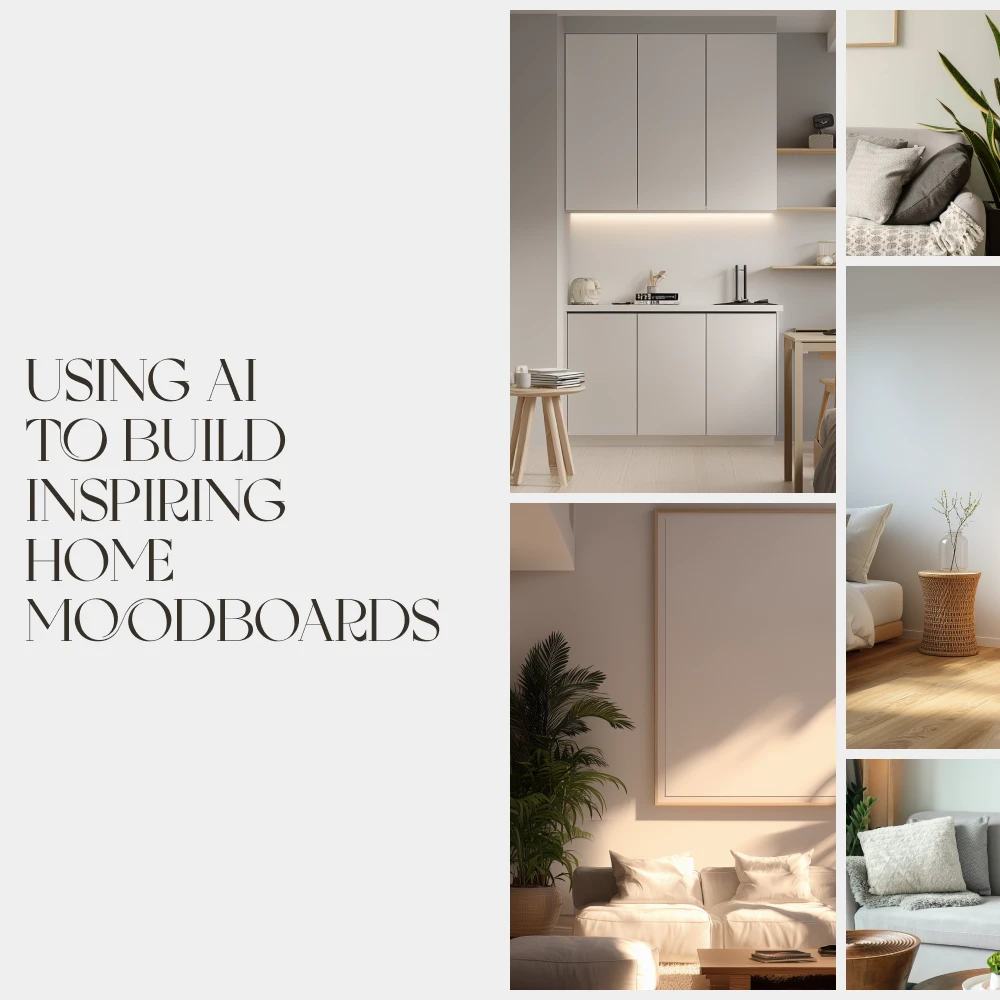
How to Use AI to Build Home Moodboards That Inspire | Digital eBook for Interior Designers, DIY Decor Lovers & Creators | Learn how to use AI to create home moodboards with ease

View product

Build a board you can evaluate

Pick one promising direction and reduce it to a small palette, two or three material references, furniture shapes, and a few ideas for lighting. Place a photo of your actual room alongside the concepts. You can then spot assumptions about ceiling height, daylight, or available floor space.

Separate inspiration from decisions you have confirmed. A generated chair may express a shape you like, but it is not a specific item you can buy. Generated colors are not dependable paint matches. Add exact products, finishes, and prices only after you verify them.

Check the product’s listed specifications when evaluating build a board you can evaluate.

Test the idea against daily life

Measure before choosing furniture, and leave enough clearance for the way you actually move through the room. Consider task lighting where you read or work, storage for everyday items, and whether fabrics and finishes suit the upkeep you want. View paint samples at different times of day and handle material swatches when possible.

If you want a guided way to practice building these concepts, explore our How to Use AI to Build Home Moodboards That Inspire digital eBook. If you make boards for clients or an audience, our Target Customer Persona Profiler can help you define whose preferences you are designing around; it does not replace room measurements or samples.

Make the final board easy to use

Now test the concept against daily life. Can people move comfortably through the room? Is there enough task lighting where you read or work? Will the proposed fabrics and finishes suit the upkeep you are willing to do? If the board looks lovely but leaves nowhere for everyday items, adjust the direction before buying anything.

Narrow your choices to decisions you can act on: a palette, a few key materials, a lighting approach, and one next item to test. That item might be a paint sample viewed at different times of day or a fabric swatch handled in person. For a guided way to practice this process, explore our How to Use AI to Build Home Moodboards That Inspire digital eBook.

If you create boards for clients or an audience, it also helps to define whose preferences and routines each concept serves. Our Target Customer Persona Profiler can support that audience-planning step; it is a separate planning aid, not a substitute for room measurements or material samples.

Make the final board easy to share

Give your board a short concept name and add a sentence explaining what each reference contributes. “Soft, layered lighting” is more helpful than leaving a lamp image unexplained. These notes help a client, collaborator, or household member respond to the actual choices rather than the overall impression alone.

Keep an editable copy so you can replace ideas after seeing samples in person. Before you buy, confirm dimensions against your room, inspect available finishes, and review current prices and return terms. A successful board leaves room for those discoveries: it gives you direction without treating the first attractive image as the final answer.

Check the product’s listed specifications when evaluating make the final board easy to share.

FAQ

Why is UseAI charging my credit card?

We cannot identify a charge from its name alone. Review your receipts and account subscriptions, contact the company associated with the charge, and ask your card issuer for help if you do not recognize it.

Is Use AI a legitimate company?

“Use AI” may refer to more than one service, so we cannot verify a company from that name alone. Confirm its website, billing terms, contact information, and independent customer feedback before paying.

Can you use AI for free?

Yes, some AI services provide free plans or limited free access. Check current limits, licensing terms, and whether a payment method is required before you start.

See if How to Use AI to Build Home Moodboards That Inspire | Digital eBook for Interior Designers, DIY Decor Lovers & Creators | Learn how to use AI to create home moodboards with ease fits your setup

View product

Was this article helpful?

Yes No
Leave a comment
Top

Shopping cart

×