15% off on product page · save $1.94
Set Up a Home Office That Fits Your Space and Work
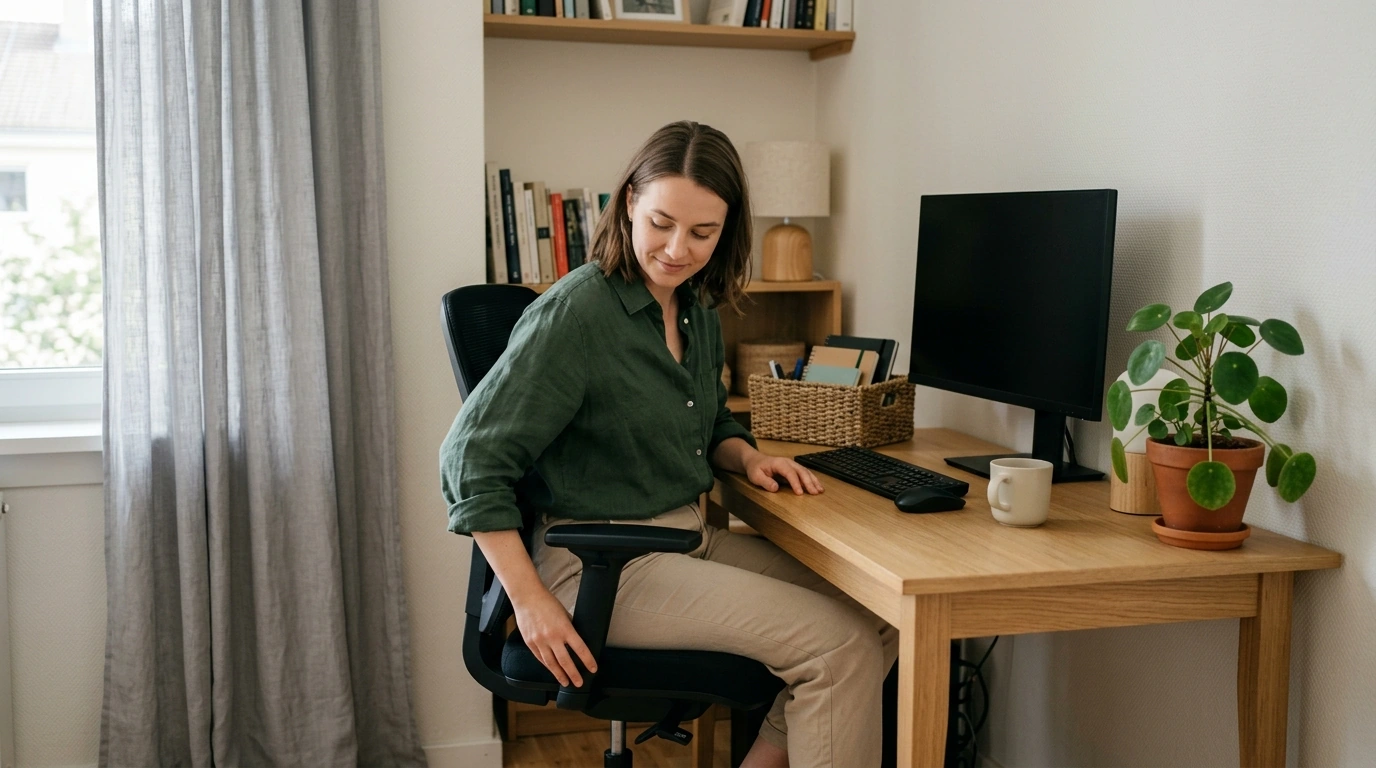
Choose a workspace you can return to each day
A home office is a designated place to work at home. That might be a separate room, a corner of your bedroom, or a table that serves another purpose after hours. The important part is knowing where work happens and having enough space to do it without constantly moving your essentials.
Start with your most common tasks. If you spend the day at a computer, make room for the screen, keyboard, and anything you need beside them. If you regularly handle papers or packages, leave surface area for those tasks too. Look for an accessible outlet and consider interruptions: a quieter corner may serve you better than a larger desk in the middle of household activity.
In a shared space, keep work supplies in a portable caddy or one designated container. At the end of the day, return everything to it and clear the surface. That small reset helps prevent work from spreading across your home—and makes it easier to begin again tomorrow.
Check the listed dimensions for choose a workspace you can return to each day against the available vehicle space before use.
Arrange for comfortable use
Place your screen in front of you and keep your keyboard, mouse, and daily supplies where you can use them without repeatedly reaching or twisting. Adjust your chair and screen position so you can work comfortably. If you use a laptop for long periods, a separate keyboard and mouse may give you more flexibility in positioning its screen.
Try the arrangement during a normal workday. If glare makes the screen hard to see, change the light or screen position. If you keep stretching for a notebook, move it closer. Persistent discomfort deserves attention rather than another day of working around it.
Your Ultimate Home Office Guide | Digital Download | How to Organize a Home Office for Productivity, Focus & Style | Printable eBook & Workspace Setup Planner
View product
Give every supply a sensible place
Sort what is on your desk into daily tools, occasional supplies, and items that do not need to be there. Keep daily tools within easy reach and move the rest off your main work surface. Give incoming papers and notes one place to land, then review it regularly.
If you work at a shared table, a portable container can hold your essentials between sessions. For a separate room, clearing the surface for tomorrow’s first task may be enough. If client planning is part of your work, our Target Customer Persona Profiler can support that specific task; keep those materials together rather than mixing them into general desk clutter.
Check the listed dimensions for give every supply a sensible place against the available vehicle space before use.
Make the space easy to leave and return to
A task light, a cleared work surface, and your tools in their usual places can help mark the start of work. At the end of the day, put supplies away and clear a shared surface for its other uses. Keep personal touches you enjoy, but move anything that gets in the way of the task at hand.
If you would like a resource for planning those decisions, our Your Ultimate Home Office Guide is a digital download, printable eBook, and workspace setup planner. Start by choosing your work spot, clearing the surface, and deciding where your three most-used items belong.
Plan your next adjustment
Pick one friction point rather than trying to redesign everything at once. Perhaps your screen catches afternoon glare, papers land in the wrong place, or packing up takes too long. Make one change and revisit it after several workdays. You will have a better sense of whether it helped than you would after a quick rearrangement.
If you want a dedicated resource while organizing your space, our Your Ultimate Home Office Guide is a digital download and printable eBook and workspace setup planner. Whether you use it or keep your plan simple, begin with the same three decisions: choose your workspace, clear its work surface, and decide where your three most-used items belong.
FAQ
How to setup your home office?
Choose a defined work spot, arrange your screen and frequently used tools for comfortable use, and manage the lighting. Use the space for a normal workday, then adjust anything that causes reaching, glare, or discomfort.
What is meant by the home office?
A home office is a designated place for work at home. It can be a separate room, a small corner, or a shared table that you clear after work.
What’s the best home office?
The best home office fits your space and daily tasks while supporting comfort and focus. It should also be practical to reset when your workday ends.
See if Your Ultimate Home Office Guide | Digital Download | How to Organize a Home Office for Productivity, Focus & Style | Printable eBook & Workspace Setup Planner fits your setup
View product










Leave a comment