A connected lock can be one part of a broader smart-home arrangement. You may already manage other devices through a home network or an account, and a smart lock can add another connected device to consider. That does not necessarily mean it will work with your existing hub, voice assistant or other equipment. Confirm the available controls and integrations before ordering if those connections matter to you.
Think about your daily routine, too. Consider who needs access, whether you expect to add or remove users over time and what entry options your household would be comfortable using. The right choice should make sense for everyone who relies on the door, not just the person setting it up.
Featured in this guide
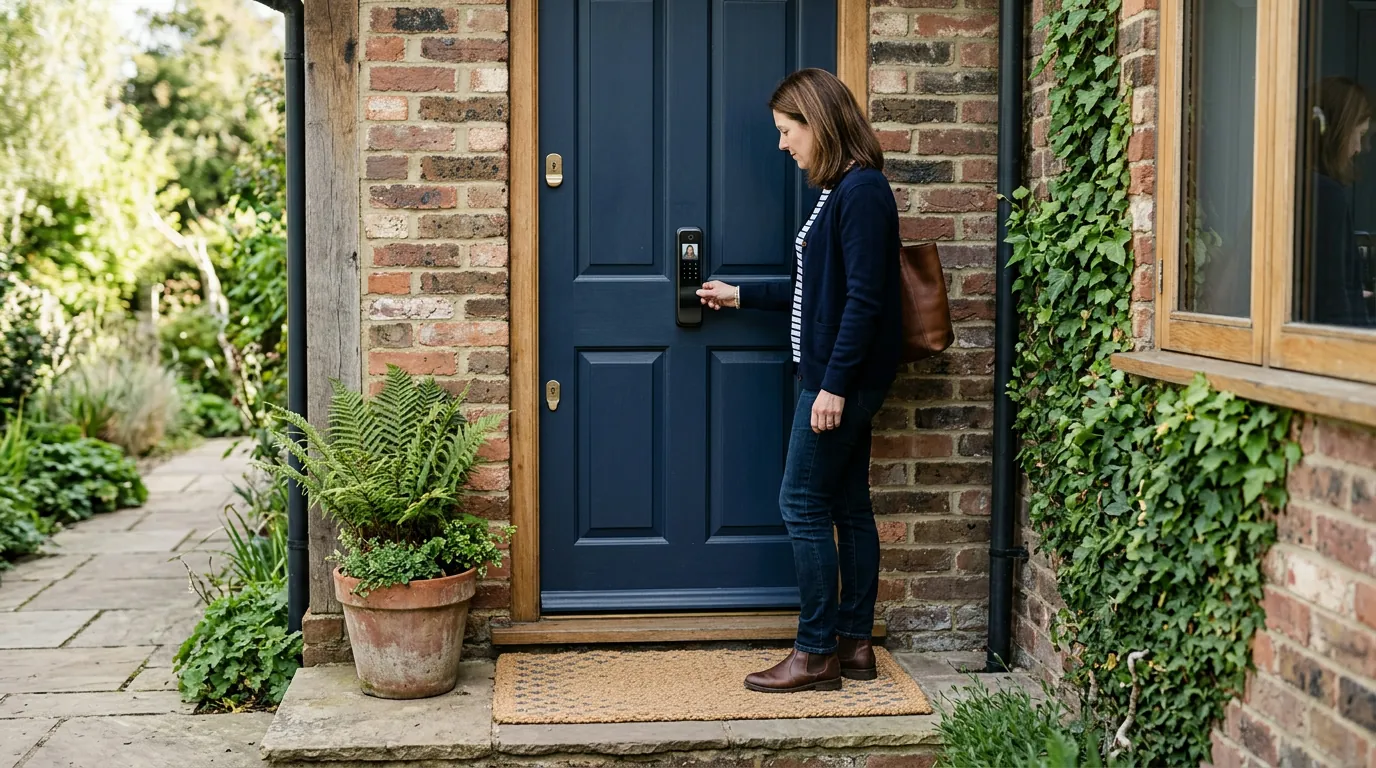
WiFi Smart Security Door Lock with 3D Face Recognition
Before enrolling anyone, find out where facial data is stored, who can manage it and how it can be removed. Talk through those choices with everyone who will use the door.
Understand how access is granted and revoked, especially when a household member or visitor no longer needs it. Confirm the available controls and network requirements for your setup.
Protect your home network
Use a strong, unique router password and keep the router’s software current. Keep the lock and any associated app updated when updates are available, and review who can manage the device.
WPA3-Personal is a strong WiFi security choice when your router and devices support it. WPA2-AES is a common alternative for compatible devices. Use a unique account password and any additional sign-in protections the service offers.
If you replace or pass on a connected device, find out how to remove your account and stored data first.
Explore the lock
Visit the product page for current availability and purchase details, and confirm the fit and operating requirements that matter to your home before ordering.
For a different kind of household organization, we also offer the Expiry and PAO Tracker, an in-stock option for tracking product expiry and period-after-opening information. It is separate from the lock and is not an entryway security device.
“Super happy with my purchase. It’s user-friendly and provides a high level of security.”
Before choosing, compare the product details with your daily routine, available space, care needs, and preferred setup. The strongest option is usually the one that fits the intended use clearly and remains simple to clean, store, and check before repeat use.
It is also worth checking measurements, material notes, included parts, and compatibility details so the item matches the way it will be used after delivery.
Before choosing, compare the product details with your daily routine, available space, care needs, and preferred setup. The strongest option is usually the one that fits the intended use clearly and remains simple to clean, store, and check before repeat use.
It is also worth checking measurements, material notes, included parts, and compatibility details so the item matches the way it will be used after delivery.
Before choosing, compare the product details with your daily routine, available space, care needs, and preferred setup. The strongest option is usually the one that fits the intended use clearly and remains simple to clean, store, and check before repeat use.
FAQ
What is the best WiFi security?
WPA3-Personal is generally the preferred home WiFi security option when your router and devices support it. If they do not, use WPA2-AES and keep your router updated.
What does smart security do?
Smart security connects devices to digital controls or networks so you can manage supported functions. Capabilities vary by product, so confirm the controls available before buying.
How much is a Wi-Fi smart camera?
Wi-Fi smart camera prices vary by model, features and any optional subscription costs. Compare the total purchase and ongoing costs before choosing one.
See if WiFi Smart Security Door Lock with 3D Face Recognition fits your setup












Leave a comment